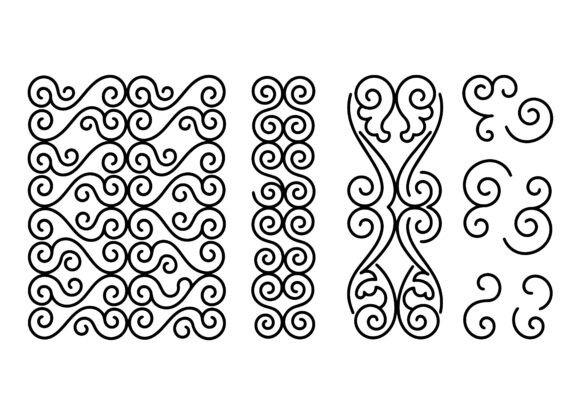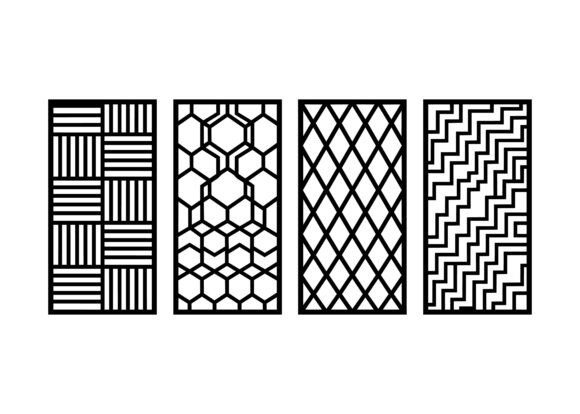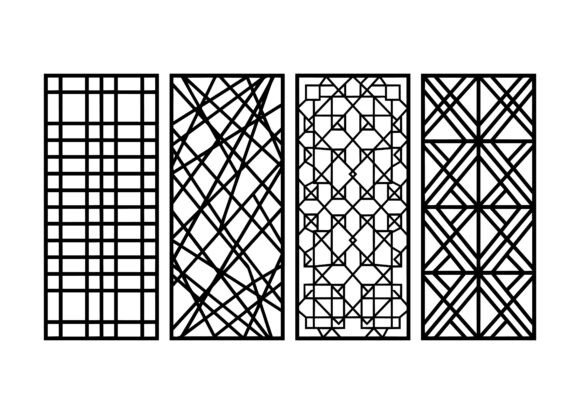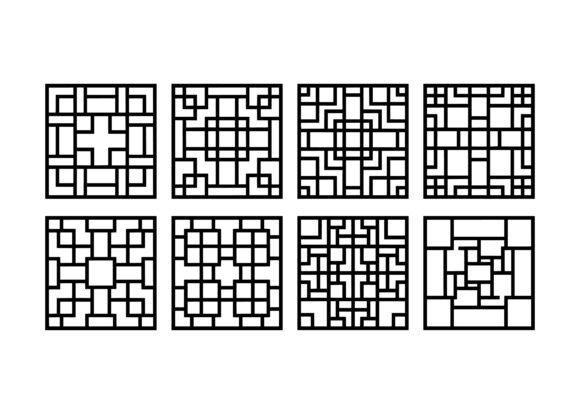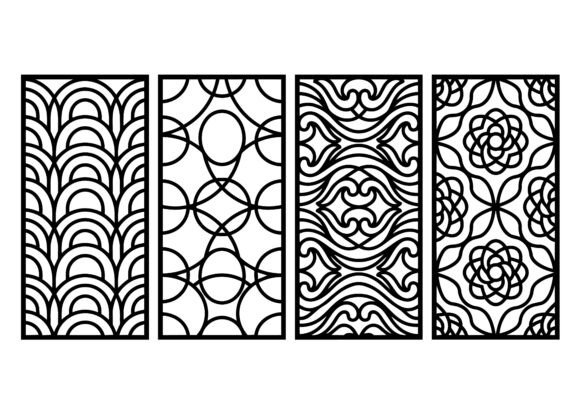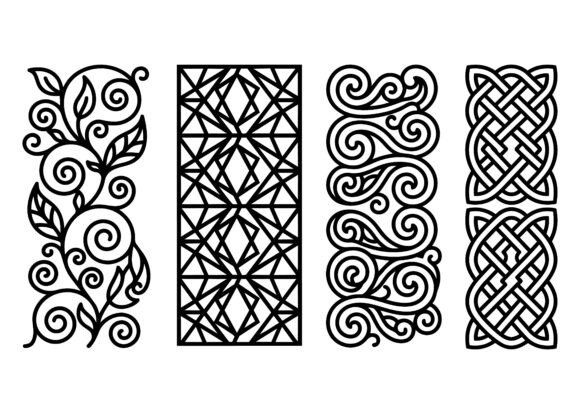
Ornamental Mix Pattern EPS Bundle
The Ornamental Mix Pattern EPS Bundle is a curated, production-ready collection of vector-based decorative motifs—designed not as isolated graphics, but as interoperable assets that slot directly into real-world creative and manufacturing workflows. It includes floral scrolls, geometric panels, swirl ornaments, and Celtic knot patterns, all composed with intentional rhythm, balanced negative space, and consistent line weight. These aren’t decorative afterthoughts; they’re precision-engineered vector elements built for function—laser cutting, CNC engraving, textile printing, vinyl plotting, and digital fabrication across wood, acrylic, metal, and fabric.
Where This Bundle Fits in Your Workflow
Most designers and makers encounter ornamental elements at three key points: early planning (concept development), mid-process execution (asset integration), or late-stage refinement (detailing and finishing). The Ornamental Mix Pattern EPS Bundle supports all three—not as a static library, but as a modular system. Before sketching a wall panel layout, you might pull a geometric panel to test scale and spacing against your substrate dimensions. During laser-cutting prep, you’ll use the clean vector paths to verify kerf compensation and nesting efficiency. After engraving a wooden sign, you may layer a subtle floral scroll border in post-production to elevate perceived craftsmanship—without redrawing anything.
This isn’t about adding decoration for its own sake. It’s about reducing iteration time while increasing output fidelity. Each pattern is constructed with uniform stroke widths (0.01–0.25 pt), closed paths, and zero overlapping anchors—so they import cleanly into CorelDRAW, Adobe Illustrator, Inkscape, LightBurn, and Fusion 360 without cleanup. That means less time troubleshooting path errors and more time focusing on material behavior, joint tolerances, or color registration.
Integration Across Tools and Materials
Compatibility starts with format—but extends into how the bundle behaves inside your tools. EPS files are inherently resolution-independent and retain editable vector data, making them ideal for both screen-based design and machine-driven fabrication. Unlike raster images or SVGs with embedded effects, these EPS files contain only Bézier curves and solid fills—no gradients, no transparency, no hidden layers. That predictability matters when sending files to a CO2 laser controller or a CNC router: what you see in Illustrator is exactly what cuts.
For woodworkers, the swirl ornaments translate cleanly to routed edge profiles or inlay templates. For textile designers, the Celtic knot patterns scale seamlessly from scarf repeats (at 300 dpi) to large-scale upholstery prints (at 2400+ dpi), with no pixelation or anchor distortion. Metal fabricators use the geometric panels as etching masks—aligning them precisely with grain direction or heat-treatment zones. Even educators building classroom STEAM kits rely on these files because students can import them into Tinkercad or Onshape, then modify parameters like spacing or thickness before 3D printing.
Practical Implementation Tips
- Preparation: Before importing into your CAM software, open one EPS file in Illustrator and check Object > Path > Outline Stroke. If paths remain editable, you’re good. If strokes appear as compound shapes, use Expand Appearance first—this ensures clean geometry for toolpath generation.
- Organization: Rename files using a consistent convention: floral_scroll_vine_03_eps, celtic_knot_square_07_eps. Avoid spaces or special characters—many CNC controllers read filenames literally. Group by motif type and scale range (e.g., “borders”, “full-panel”, “corner-ornaments”) in your asset library.
- Efficiency: Use Illustrator’s Global Colors to assign consistent fill colors across multiple patterns. When exporting for laser cutting, set fills to black (RGB 0,0,0) and strokes to red (RGB 255,0,0) if your machine uses color-coded layers for cut vs. engrave.
- Consistency: Print a 1:1 test tile on scrap material before committing to a full run. Measure actual cut width versus intended line weight—especially on thin acrylic or veneer. Adjust scaling by ±0.2% if needed, then apply that offset globally via Illustrator’s Transform Each function.
Workflow Examples Across Roles
A small-batch jewelry maker uses the Ornamental Mix Pattern EPS Bundle to create interchangeable bezel backplates. They import a Celtic knot pattern, scale it to fit a 28mm round brass blank, then subtract it from a solid disc using Boolean operations in LightBurn. The resulting file cuts in under 90 seconds on a 60W laser—producing 20 identical pieces per sheet with no manual tracing. Later, they repurpose the same knot file as an embossing die for leather cuffs, adjusting line depth in Fusion 360 based on material hardness.
An interior designer working on a hospitality project pulls four geometric panels from the bundle to develop custom wallpaper for a boutique hotel lobby. They align each panel to architectural grid lines in AutoCAD, then export as layered PDFs for the printer. Because all motifs share the same baseline alignment and repeat logic, seam matching across 12-foot walls requires no manual tweaking—just precise placement and color calibration.
A freelance educator building a craft curriculum for middle schoolers selects six low-complexity swirl and floral motifs. She simplifies them further using Illustrator’s Path Simplify tool, then exports as DXF for classroom laser cutters. Students assemble the parts into shadow boxes, learning proportion, symmetry, and material properties—all while working from professional-grade source files.
Long-Term Usability and Quality Control
Vector assets age well—if they’re built right. These EPS files were generated using Illustrator CC 2023 with legacy EPS 10 compatibility enabled, ensuring backward support down to CS6. No fonts, no linked images, no embedded ICC profiles. Every file passes preflight checks for stray points, open paths, and inconsistent Bézier handles. That level of quality control means you won’t discover a corrupted anchor mid-production run—or worse, after shipping 500 units.
For long-term projects, treat the bundle like infrastructure: version-control your modified derivatives (e.g., geometric_panel_04_scaled_for_acrylic_v2.eps), not the originals. Keep a master folder with unaltered files, and maintain a changelog noting adjustments made for specific materials or machines. This practice pays off when reusing assets across product lines—say, adapting a border pattern from a greeting card series to a line of ceramic coasters. You’ll know exactly which variant worked best on matte glaze versus glossy enamel.
Finally, consider licensing clarity. The Ornamental Mix Pattern EPS Bundle is cleared for commercial use—including resale of physical products made from the files. No attribution required. That removes friction when onboarding contractors, outsourcing production, or scaling from hobbyist batches to wholesale fulfillment. You’re not just buying patterns—you’re acquiring permissioned, production-tested components that integrate cleanly into contracts, timelines, and cost models.
Moving Forward With Intention
Ornamental work succeeds not through abundance, but through intentionality—choosing motifs that reinforce structure, guide the eye, and respect material limits. The Ornamental Mix Pattern EPS Bundle supports that intention by removing guesswork around scalability, compatibility, and reproducibility. It doesn’t replace skill or judgment. Instead, it compresses setup time, reduces error surfaces, and lets you focus where it matters most: how light falls across a carved surface, how thread tension affects a stitched border, or how repetition creates rhythm in a public installation. Use it as scaffolding—not a substitute—for thoughtful making.