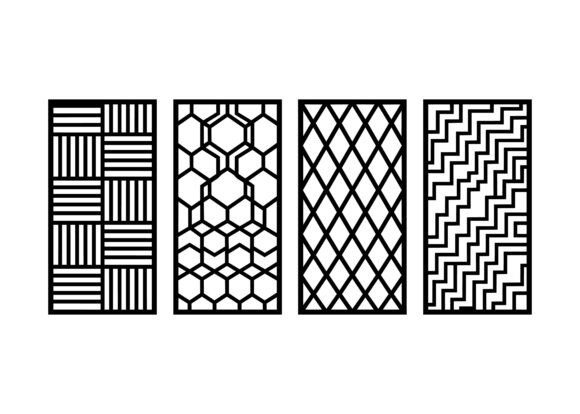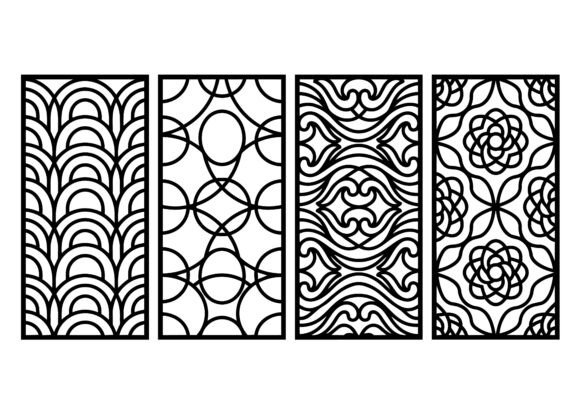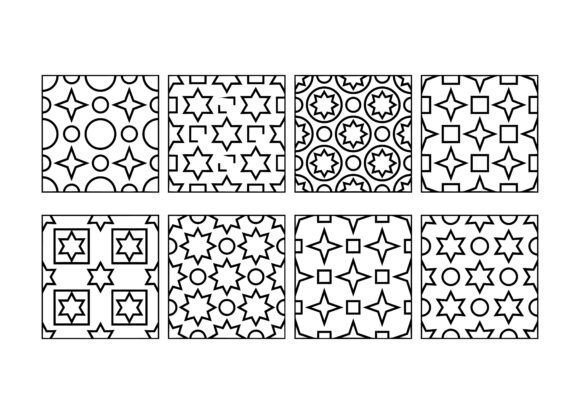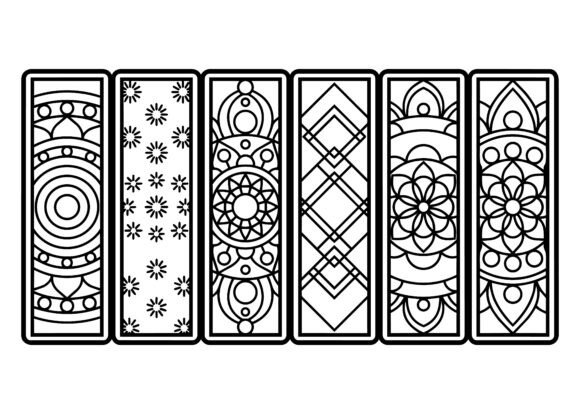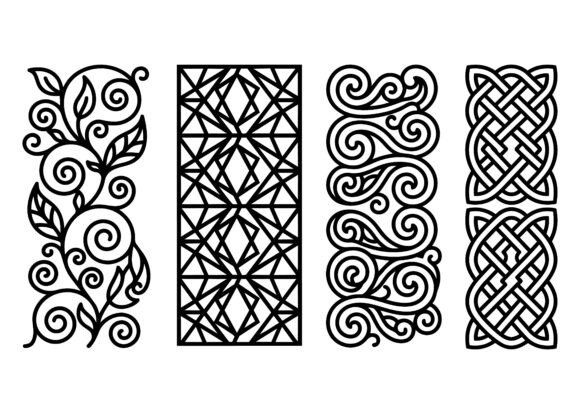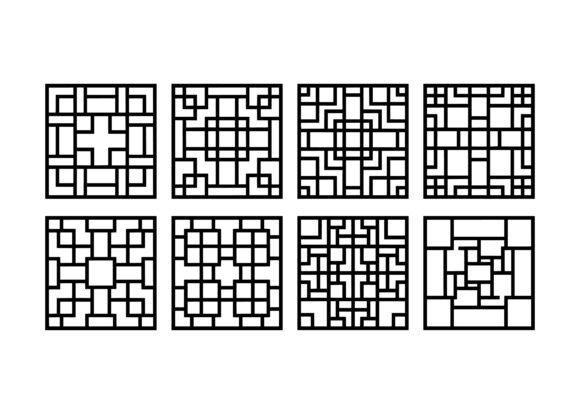
Geometric Square Pattern EPS Bundle
If you're working on surface design, architectural visualization, packaging, or textile development—and need crisp, repeatable, production-ready patterns—the Geometric Square Pattern EPS Bundle is more than just a collection of files. It’s a precision toolkit built for real-world fabrication and visual consistency. These aren’t stylized illustrations or raster-based motifs; they’re clean, scalable vector compositions rooted in symmetrical grids, interlocking lines, and abstract geometric logic—engineered from the start for laser cutting, CNC engraving, screen printing, and digital textile workflows.
Why This Bundle Fits Real Projects—Not Just Inspiration Boards
Many designers browse pattern bundles thinking “this looks nice,” then hit roadblocks when it’s time to apply them. A common oversight? Assuming all “geometric” or “square-based” patterns behave the same way in production. But not every grid translates cleanly to tile repeats, wood grain alignment, or fabric weft direction. The Geometric Square Pattern EPS Bundle stands out because each design is constructed with intentional tiling logic—no hidden seams, no accidental misalignments at tile boundaries, and no reliance on raster tricks that break down at scale.
That matters whether you’re etching a 30-inch acrylic panel for retail signage or laying down a seamless repeat across 5 meters of woven cotton. Because these are native EPS files—fully editable in Illustrator, CorelDRAW, or compatible CAD software—you retain full control over stroke weight, color mapping, and layer organization. No pixelation. No resolution limits. No surprise gaps when scaling up for large-format wall cladding.
Mistake #1: Downloading Without Checking Tile Behavior
Some bundles include “square patterns” that only look symmetrical at first glance—but fail when tiled. You’ll notice subtle shifts in line weight, inconsistent spacing between interlocking elements, or mismatched endpoints where tiles meet. That becomes obvious on ceramic tiles, laser-cut wood panels, or printed wallpaper.
Better approach: Before committing, open one file in your vector editor and duplicate it into a 2×2 grid. Zoom in tightly at the seams. Do lines connect precisely? Does the rhythm hold across intersections? The Geometric Square Pattern EPS Bundle was tested this way—every pattern repeats flawlessly without manual cleanup.
Mistake #2: Assuming EPS Means “Ready for Any Material”
EPS format guarantees scalability—but not automatic material readiness. A pattern designed for inkjet-printed textiles may use thin strokes that vanish on coarse canvas or get lost in sandblasted glass. Likewise, a motif optimized for fine-precision laser cutting on 3mm plywood might require stroke adjustments for thicker acrylic or metal engraving.
Better approach: Review the included documentation (or reach out to the creator) for recommended stroke weights per application. For example, patterns intended for CNC routing often use minimum 0.08 mm strokes; those for fabric printing may go as low as 0.02 mm. The Geometric Square Pattern EPS Bundle includes usage notes—not generic advice—based on real-world testing across wood, acrylic, aluminum, and woven fabrics.
Mistake #3: Overlooking Layer Structure and Naming Conventions
When time is tight—or you’re handing files to a print shop, fabricator, or collaborator—disorganized layers slow everything down. Some bundles deliver everything on a single layer, with no distinction between cut paths, engrave zones, registration marks, or color-separation guides.
Better approach: Look for logical layer naming (e.g., “Cut_Line”, “Engrave_Fill”, “Repeat_Boundary”) and grouped elements that reflect functional intent. In the Geometric Square Pattern EPS Bundle, layers are pre-sorted by function—not aesthetics—so you can isolate engraving paths in seconds, suppress background fills for foil stamping, or export only outline vectors for vinyl cutting.
What to Verify Before You Buy or Use
- File version compatibility: Confirm the EPS files are saved in EPS 10 (or earlier) if you’re using older RIP software or legacy manufacturing hardware. Newer versions may not parse correctly in some CNC controllers.
- Color model clarity: Are patterns built in CMYK, RGB, or spot-color ready? For textile printing or packaging, CMYK or Pantone-aligned swatches prevent unexpected color shifts during separation.
- Commercial license scope: Does the license cover physical product resale (e.g., selling patterned mugs or apparel), SaaS integration (e.g., embedding in a design tool), or client work where final files are delivered? The Geometric Square Pattern EPS Bundle grants broad commercial rights—including derivative works—without requiring attribution.
- Scalability proof: Don’t just trust “vector” claims. Open a file at 200% zoom and check anchor point density. Overly complex paths or unnecessary nodes increase processing time in laser controllers and may cause jitter during high-speed engraving.
A Practical Example: From Concept to Production
Say you’re designing custom floor tiles for a boutique café. You choose a bold interlocking square motif from the Geometric Square Pattern EPS Bundle. Instead of stretching or warping it to fit irregular dimensions, you use Illustrator’s “Pattern Options” to define exact tile size and spacing—then export as PDF/X-4 for your ceramic printer. Because the original EPS uses consistent 0.15 mm strokes and clean Bézier curves, the output matches your mockup exactly—even at 60 cm × 60 cm tile size.
Contrast that with a free download that looked similar online but used raster overlays and ungrouped paths. You’d spend hours rebuilding stroke consistency, fixing misaligned tiles, and troubleshooting RIP errors—all avoidable with the right starting point.
Final Thought: Precision Isn’t Just About Lines—It’s About Workflow
The value of the Geometric Square Pattern EPS Bundle isn’t just in its visual cohesion—it’s in how much friction it removes downstream. Whether you’re a solo maker balancing five projects, a studio designer managing vendor handoffs, or an educator preparing classroom materials, predictable, well-structured vector assets mean less debugging, fewer revisions, and more time spent on creative decisions—not technical firefighting.
You don’t need every pattern in the bundle. But having a handful of rigorously tested, production-aware designs—ready for wood, acrylic, metal, or fabric—gives you confidence before the first cut, print, or weave begins.