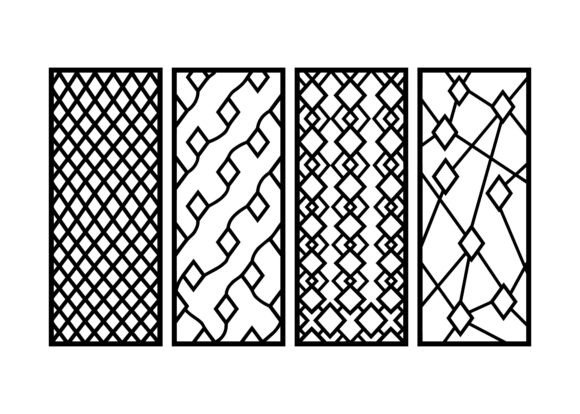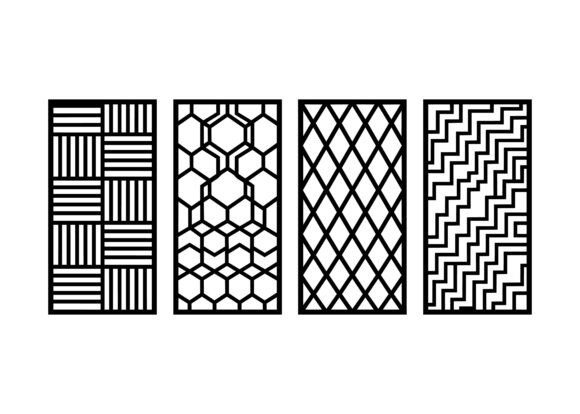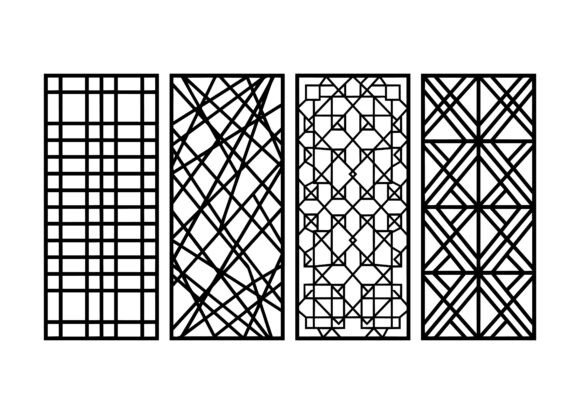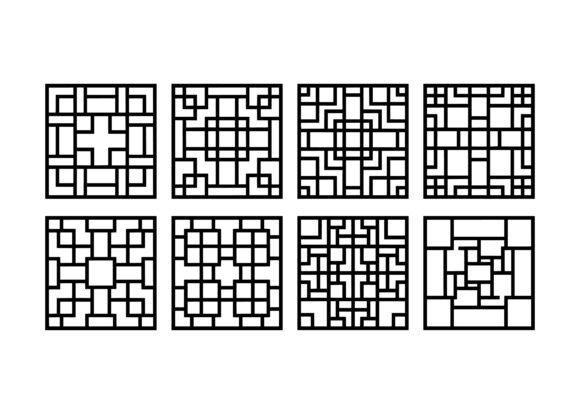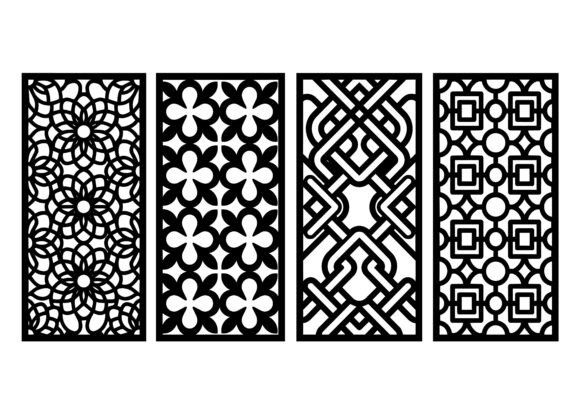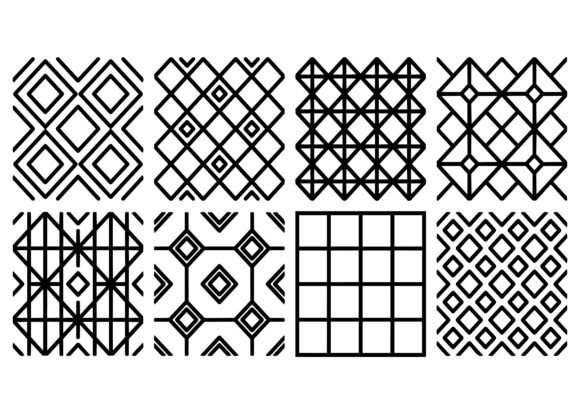
Geometric Grid Diamond Pattern EPS
If you’ve ever stared at a clean vector tile pattern and thought, “This could be laser-cut into walnut, printed on silk, or embossed onto packaging”—you’re already thinking like someone who needs the Geometric Grid Diamond Pattern EPS bundle. It’s not just a collection of shapes. It’s a toolkit: 32 seamless square designs built from intersecting grids, interlocking diamonds, lattice frameworks, and rhythmically repeating geometric layouts—all drawn with mathematically precise vector lines.
What it actually is—and why precision matters
This isn’t clip art. Each design in the bundle is a fully scalable, high-fidelity EPS file—native to Adobe Illustrator and compatible with CorelDRAW, Inkscape, and most CNC, laser, and digital fabrication software. Because they’re vector-based, they hold crisp edges at any size: whether you’re etching a 2 mm diamond repeat onto jewelry or scaling the same pattern across a 3 m x 3 m wall panel.
The “geometric grid and diamond pattern EPS” structure means every motif aligns cleanly at its edges—no gaps, no overlaps, no manual tiling required. That seamlessness saves hours when building textile repeats, floor tile layouts, or engraved surface panels. And because the lines are clean, thin, and consistent, they translate reliably to real-world manufacturing: lasers follow them without hesitation; CNC routers cut them without chatter; screen printers hold fine detail without ink bleed.
For designers & print professionals
If you’re preparing artwork for production—whether for fabric mills, ceramic tile manufacturers, or luxury packaging studios—you need reliability first. You’ll care that each EPS file opens without missing fonts or embedded raster images, that stroke weights are uniform (0.01–0.25 pt, depending on use), and that color is defined in CMYK or spot channels—not RGB approximations. These files ship with layered organization: base grid, diamond overlay, and optional accent lines—so you can toggle visibility, recolor selectively, or isolate elements for registration marks.
A textile designer might pull one of the lattice-based patterns, recolor it in Pantone 19-4052 Classic Blue and 13-0640 Buttercream, then drop it directly into a repeat swatch for digital textile printing. A packaging designer could use a tighter diamond grid as a debossed background on a cosmetic box—scaling it to match the die-cut dimensions without reworking alignment.
For makers, woodworkers & fabricators
You don’t just *use* vector files—you trust them to guide machines that cost thousands. If you run a small CNC shop or operate a CO₂ laser cutter, inconsistent paths, stray anchor points, or ungrouped layers mean paused jobs, material waste, and recalibration time. The Geometric Grid Diamond Pattern EPS bundle avoids those pitfalls: all paths are closed, strokes are outlined where needed, and there are no hidden clipping masks or transparency effects that confuse firmware.
One customer used the “Offset Diamond Lattice” design to create a ventilation panel in 6 mm birch plywood—cutting 2,100 identical apertures in under 8 minutes. Another engraved the “Minimal Grid-Diamond Hybrid” onto brushed aluminum signage, adjusting line weight to 0.12 pt to achieve subtle contrast without sacrificing legibility at 3 meters.
Why material choice changes how you use these files
- Wood & acrylic: Prioritize open, breathable patterns with generous negative space—like the “Wide-Spacing Diamond Grid”—to reduce heat buildup and charring during laser cutting.
- Metal: Choose designs with consistent stroke widths and rounded corners (all included) to avoid sharp toolpath direction changes that stress end mills.
- Fabric & paper: Opt for higher-frequency repeats (e.g., “Tight Diamond Mesh”) that read clearly at small scales—even when printed on lightweight cotton voile or kraft paper bags.
For educators & students
In a graphic design lab or maker-space curriculum, this bundle works double duty: as production-ready assets *and* as teaching examples. The clean construction reveals how grid systems generate rhythm, how symmetry enables tiling, and how vector constraints shape real-world output. Students can deconstruct a pattern—ungroup layers, isolate anchor points, measure spacing ratios—then rebuild variations using the same underlying logic.
An educator might assign a project where learners adapt one diamond-repeat design for three different outputs: a laser-cut pendant (focusing on kerf compensation), a repeatable textile swatch (addressing DPI and color separation), and a large-scale mural (exploring scale, viewing distance, and edge treatment). The files provide a consistent starting point—no hunting for usable vectors—so class time stays focused on decision-making, not troubleshooting.
For small business owners & product creators
You’re weighing speed against uniqueness. Off-the-shelf patterns risk looking generic. Custom design takes time and budget. This bundle sits in the middle: professional-grade, distinctive, and ready to deploy. A candle brand used the “Soft Grid-Diamond” pattern as a foil-stamped motif on soy wax jar labels—reinforcing premium positioning without commissioning custom illustration. A ceramics studio applied the “Nested Diamond Frame” as an underglaze stencil for hand-thrown mugs, creating a signature visual language across their entire tableware line.
Because the files are delivered in EPS (not JPEG or PNG), you retain full control over color, scale, and integration—no licensing surprises, no pixelation on product mockups, and no need to re-purchase for new SKUs or seasonal updates.
Getting started—no matter your level
If you’re new to vector workflows, begin with the “Basic Square Grid + Centered Diamond” file. Open it in Illustrator, zoom in, and notice how every corner aligns perfectly at the artboard edge. Duplicate it, rotate one instance 45°, and watch how the diamonds lock into place—no snapping or nudging required. That’s the seamlessness working.
If you work daily in fabrication software, import one of the “CNC-Optimized” variants—designed with simplified path structures and minimal anchor counts. Run a quick toolpath simulation before cutting. You’ll see smooth, continuous motion—no stuttering at vertices.
And if you’re evaluating whether this fits your goals: ask yourself two things. First—do your current projects involve repetition, scalability, or physical output? Second—do you value time saved in prep work more than novelty for novelty’s sake? If both are yes, this bundle isn’t just convenient. It’s infrastructure.
These aren’t decorative afterthoughts. They’re foundational elements—structured, adaptable, and built to move from screen to saw, from sketch to stitch, from concept to object—without compromise.