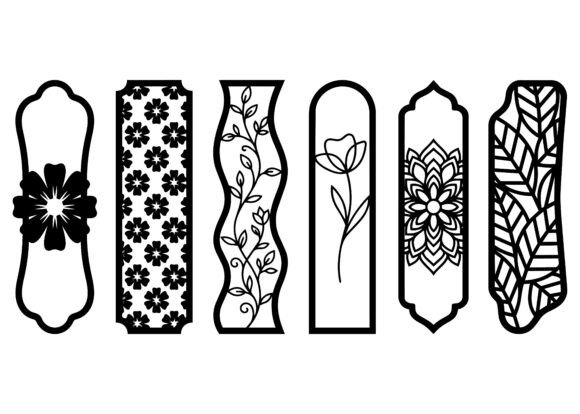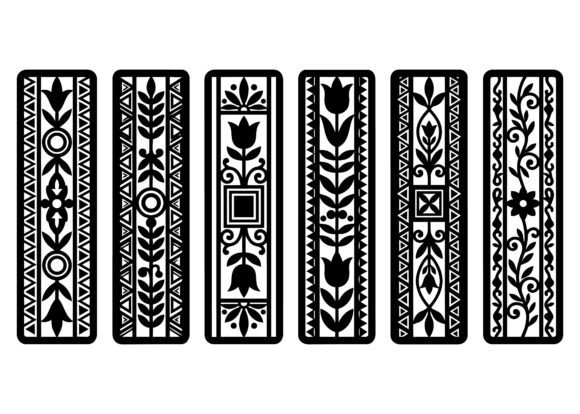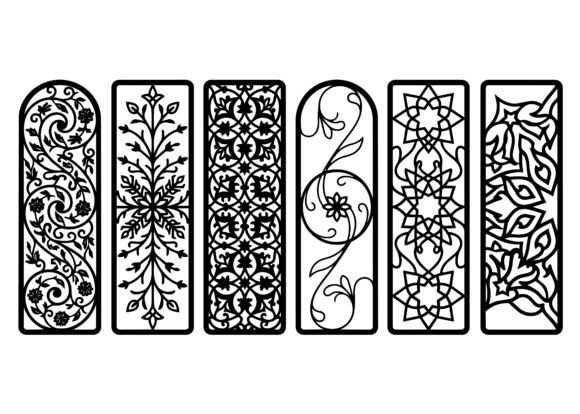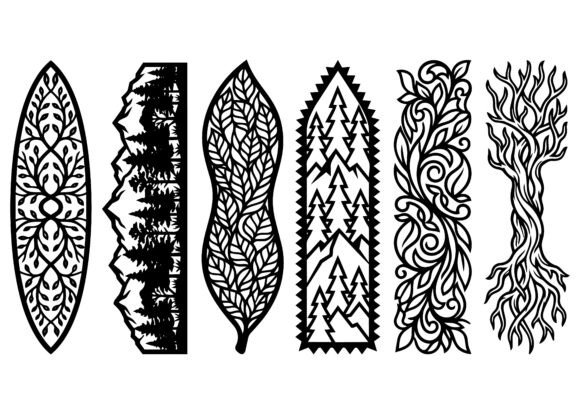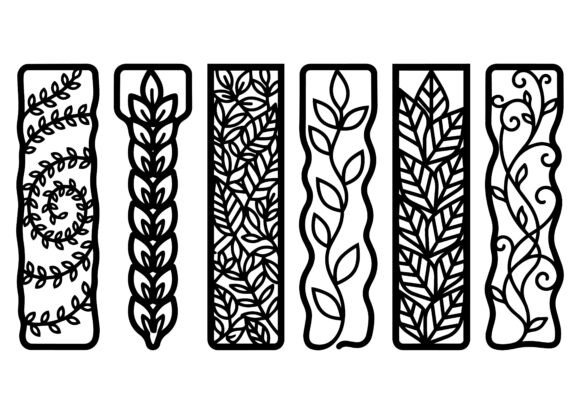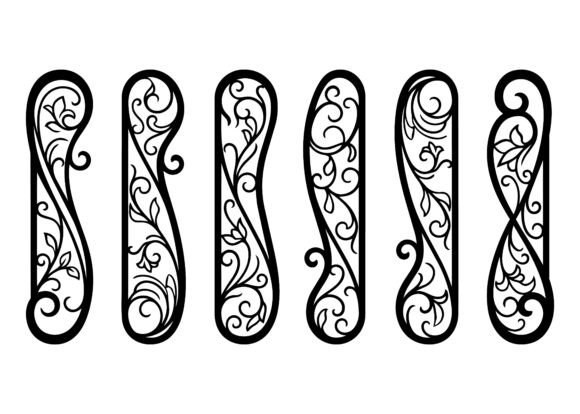
Floral Curved Bookmark EPS Bundle
Designing for physical production demands precision, flexibility, and aesthetic intention—not just visual appeal. The Floral Curved Bookmark EPS Bundle meets that demand with a collection of vector-based floral motifs defined by elegant flowing shapes, organic curved silhouettes, and delicate botanical arabesque details. Each design is built using smooth, clean vector lines—no raster artifacts, no pixelation, no guesswork. That means they’re not just decorative assets; they’re production-ready tools engineered for real-world fabrication workflows.
Where This Bundle Fits in Your Creative or Production Process
The Floral Curved Bookmark EPS Bundle enters your workflow at the intersection of concept and execution—typically after ideation but before material selection and machine setup. It’s most valuable when you’ve decided on a tactile, hand-finished product (like a bookmark, gift tag, or decorative accessory) and need a refined, scalable graphic element that translates cleanly across substrates and machines.
Unlike generic clipart or low-res PNGs, these EPS files are constructed with manufacturing in mind: consistent stroke weights, closed paths, optimized anchor points, and zero overlapping or stray nodes. That makes them ideal for direct import into laser cutting software (LightBurn, RDWorks), CNC engraving platforms (VCarve, Fusion 360), or craft-oriented vector editors (Adobe Illustrator, Inkscape, Affinity Designer). You don’t adapt the file to your tool—you align your tool settings to the file’s inherent readiness.
Material Compatibility Is Built In, Not Added On
Because each design is vector-native and fully scalable, it adapts seamlessly to material-specific constraints without reworking. A single EPS file can drive a fine-kerf cut in 1.5mm birch plywood, a shallow engrave on acrylic, a precise deboss on leather, or a crisp die-cut on premium cardstock—all with minimal adjustment.
- Wood: Use the clean curves to guide kerf compensation—tighter radii hold well on hardwoods like cherry or walnut when feed rates and power are balanced.
- Acrylic: The absence of jagged transitions prevents chipping along edges during high-speed engraving or scoring.
- Leather: Smooth outlines translate directly to clean burn-through or embossing depth control—no need to redraw for grain direction or thickness variation.
- Cardstock: Ideal for craft-cutting machines (Cricut, Silhouette) when exported to SVG with preserved path integrity.
This isn’t theoretical compatibility—it’s tested consistency. Every shape in the bundle was reviewed for minimum curve radius, path continuity, and nesting efficiency before final export. That saves time during pre-production checks and reduces trial-and-error during test runs.
Integration With Your Existing Tools and Team Workflow
If you use Adobe Creative Cloud, the EPS files open natively in Illustrator with all layers, swatches, and grouping intact—no flattening required. For users relying on open-source or subscription-free tools, the EPS format remains universally readable, and conversion to PDF or SVG preserves fidelity without loss of editability.
For teams, this matters: a designer can finalize layout in Illustrator, a production lead can verify cut paths in LightBurn, and a fulfillment specialist can batch-export individual bookmarks for different materials—all from the same source file. No version drift. No miscommunication about scale or orientation. No last-minute “Can you fix the curve here?” requests.
When paired with naming conventions (e.g., FBM_BotanicalSwirl_03_EPS) and a shared asset library, the bundle supports traceability across projects. You know exactly which floral motif appeared on last quarter’s client gift set—and can replicate or iterate it in under two minutes.
Practical Implementation Tips for Real Projects
Start small. Before committing to a full run on expensive material, run a 2” test cut on scrap stock. Check for:
- Whether inner negative spaces (like vine loops or petal gaps) clear cleanly at your chosen material thickness;
- How corner transitions behave at varying speeds—especially on tight curves;
- Whether your engraving depth matches visual intent (e.g., subtle texture vs. bold relief).
Then scale up methodically. If producing bookmarks for resale, group multiple units on one sheet to maximize yield—these designs nest efficiently due to their asymmetrical yet balanced proportions. Use alignment guides and bounding boxes (available in the EPS metadata) to maintain consistent spacing between items.
For educators or workshop leaders, the bundle serves double duty: as finished assets and as teaching examples. The clean vector construction demonstrates best practices in path optimization—ideal for showing students how to prepare files for physical output. No abstraction needed; just open the file and point to anchor placement, curve handles, or layer organization.
Long-Term Usability and Quality Control
EPS is a mature, stable format—not trendy, but dependable. These files won’t break with software updates, and they don’t rely on cloud dependencies or proprietary rendering engines. That ensures longevity: a file used today will function identically five years from now, whether opened on a new M3 Mac or an older Windows workstation running legacy CAD software.
Quality control starts with file hygiene—and every EPS in the bundle includes embedded previews, CMYK/RGB color definitions, and documented artboard dimensions (standardized to 4” × 10” for bookmarks, with bleed-safe margins). There’s no hidden transparency, no unlinked fonts, no raster effects masquerading as vectors. What you see in outline mode is what cuts.
That predictability extends to commercial use. All designs are original, royalty-free, and cleared for both personal and professional applications—including resale of physical products, client deliverables, and branded merchandise. No attribution required. No usage caps. Just reliable, legal, production-grade assets.
Workflow Examples Across Roles
A small business owner launching a stationery line might use the Floral Curved Bookmark EPS Bundle to create limited-edition bookmarks bundled with journals. They import one design into LightBurn, adjust power/speed for walnut veneer, cut 50 units in under 12 minutes, then hand-sand and finish—keeping overhead low and perceived value high.
A freelance designer building a wedding suite imports three complementary motifs into InDesign, applies foil stamping layers via spot color channels, and exports print-ready PDF/X-4 files—all while retaining the original EPS for future client revisions or alternate formats (e.g., digital thank-you cards).
An educator preparing a maker-space lesson uses the bundle to demonstrate vector-to-physical translation: students modify stroke width in Illustrator, simulate cut paths, then observe how those changes affect real-world results on a classroom laser cutter. The learning loop is immediate and tangible.
None of these scenarios require learning new software or overhauling existing habits. The Floral Curved Bookmark EPS Bundle slots in where it adds leverage—not friction.
Preparing for Consistent Results
Before importing into your cutting or engraving software, do three quick checks:
- Confirm units match your machine’s default (inches vs. mm); EPS files retain unit metadata, but some importers default to points—verify scale on first load.
- Uncheck “auto-center” or “auto-scale” options if your workflow depends on exact positioning—these designs include intentional margins and safe zones.
- Use pathfinder or outline functions only if modifying—never apply them to the original EPS unless you intend to discard editability.
Store the master EPS files separately from working copies. Name variants clearly (e.g., _for_laser, _for_cricut, _outline_only). That simple habit prevents version confusion during multi-platform projects.
The Floral Curved Bookmark EPS Bundle doesn’t promise inspiration—it delivers executional clarity. It’s the kind of asset that disappears into your process, leaving only polished results behind.